09If you need a hand
The message in the workspace usually tells you what needs attention. These are the most common next steps.
My sign-in link doesn’t work
Links can expire or have already been used. Return to sign-in, request a fresh link and open the newest email. Check that you’re using the email address we granted access to. If the problem continues, contact us instead of repeatedly requesting links.
My changes aren’t on the public menu
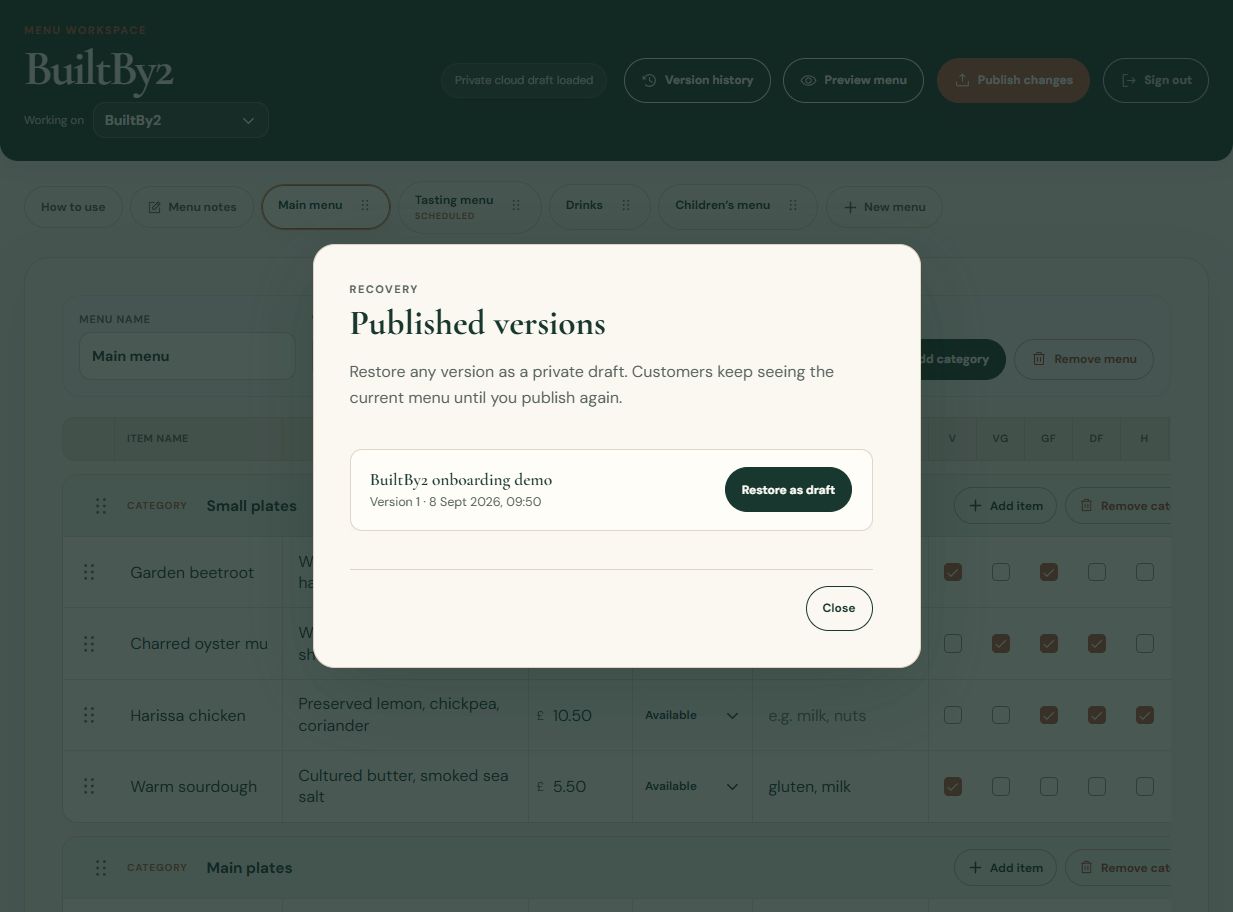
First check whether you’ve published them: saving a draft alone doesn’t update the public menu. After a successful publication, refresh the public page. Check item status, menu visibility and scheduled dates if something is missing.
The draft won’t save
Keep the editor tab open. Check your connection and read the save message; correct any highlighted fields, then choose Retry saving if it is offered. If your session has ended, sign in again as prompted.
The editor may be able to recover recent work in the same browser, but this depends on your browser’s storage settings. Don’t rely on it as your only copy or clear browser data while recovering work. Contact us if a cloud save still won’t complete.
A newer draft has been saved elsewhere
Another tab or person may have updated the draft. Choose Download backup to keep a copy of your changes, then Reload latest draft. Compare the work before deciding what to keep; BuiltBy2 can help with the backup.
If browser recovery is offered, Keep latest draft keeps the cloud version. Recover browser changes can replace that newer draft: read the warning carefully and only confirm if that is what you intend. The customer menu stays unchanged until you publish.
Publishing is blocked
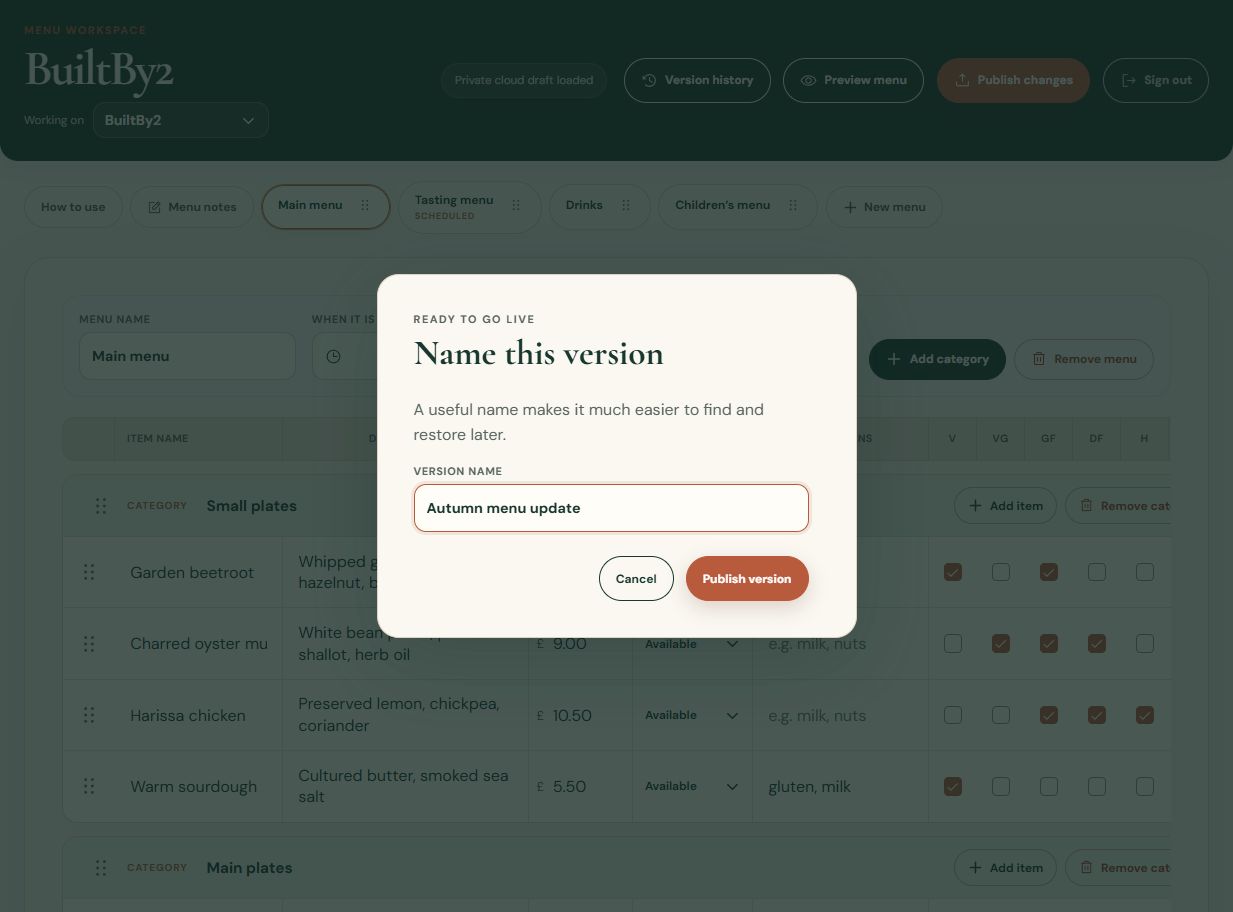
Check the message for missing dish names, prices, contact details, allergy wording or dates. There must be a menu with a visible item available for customers. An owner must publish the update.
I can’t see my business
Check the email address you signed in with. Access is assigned to each business, so another email account won’t automatically see the same menu. Ask BuiltBy2 to check your access.
I want help with a change
Email support@builtby2.co.uk with your business name, what you were trying to do and the exact message you saw. A screenshot can help; leave out sign-in links. We’re happy to talk you through your first update or help with design changes.